Drop a model. We print it.
Upload an STL and see it measured right here: its size, its volume and what it weighs in PLA, PETG, resin or nylon. One more click gets the price.
STL, STEP or IGES, up to 50 MB. An STL appears on the plate before anything is uploaded.
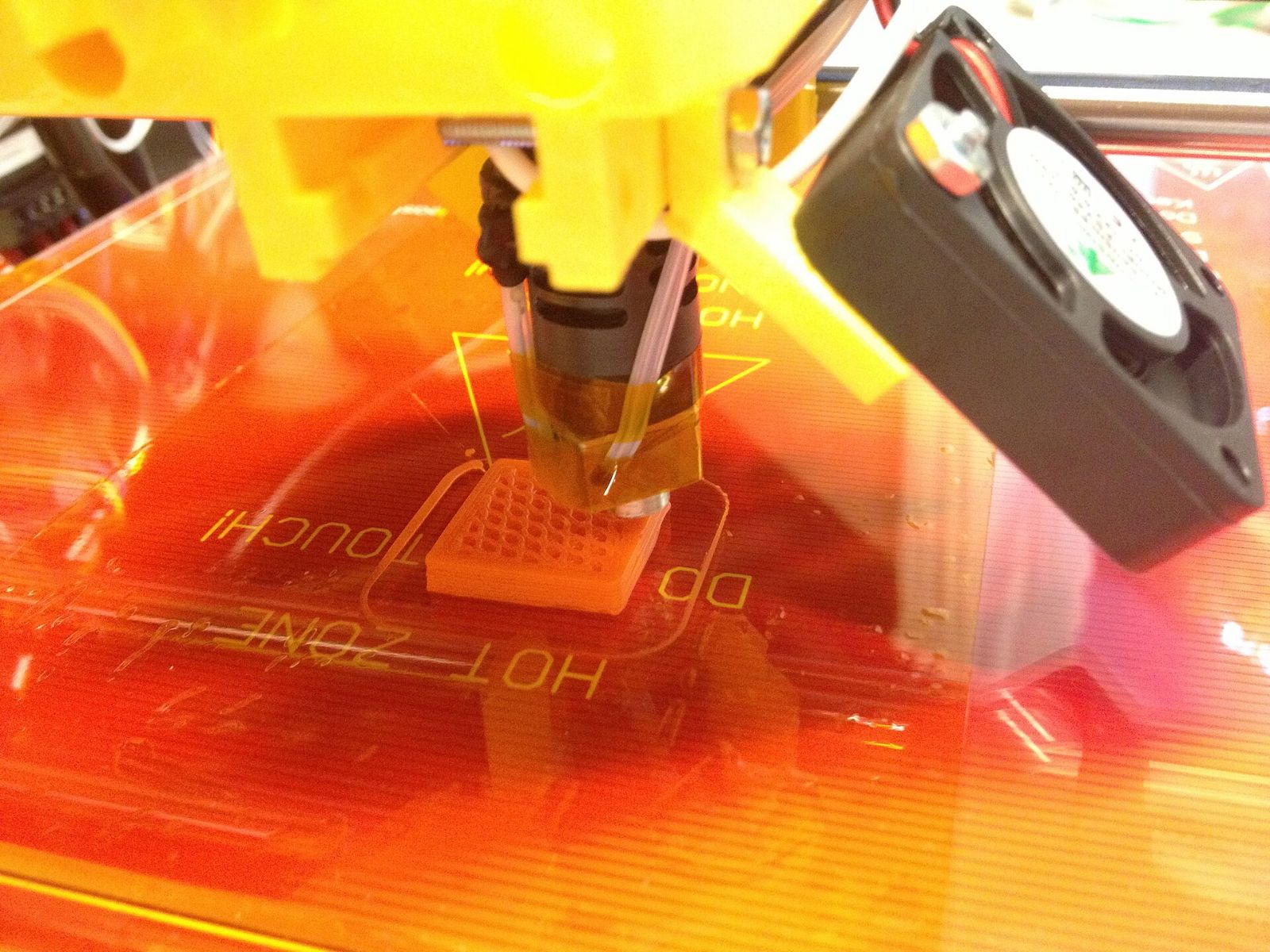
Four materials, one upload
Pick by what the part has to do. The quote prices the same file in each, so you can compare.
| Material | Good for | Finish | Heat |
|---|---|---|---|
| PLA | Prototypes, models and jigs that stay indoors | Matte, fine layer lines | 55 °C |
| PETG | Parts that flex, get wet or go outside | Light gloss | 70 °C |
| Resin | Miniatures, small text and fine detail, 0.05 mm layers | Smooth, almost no lines | 60 °C |
| Nylon PA12 | Clips, hinges and end-use parts in series | Even grey, slightly grainy | 95 °C |
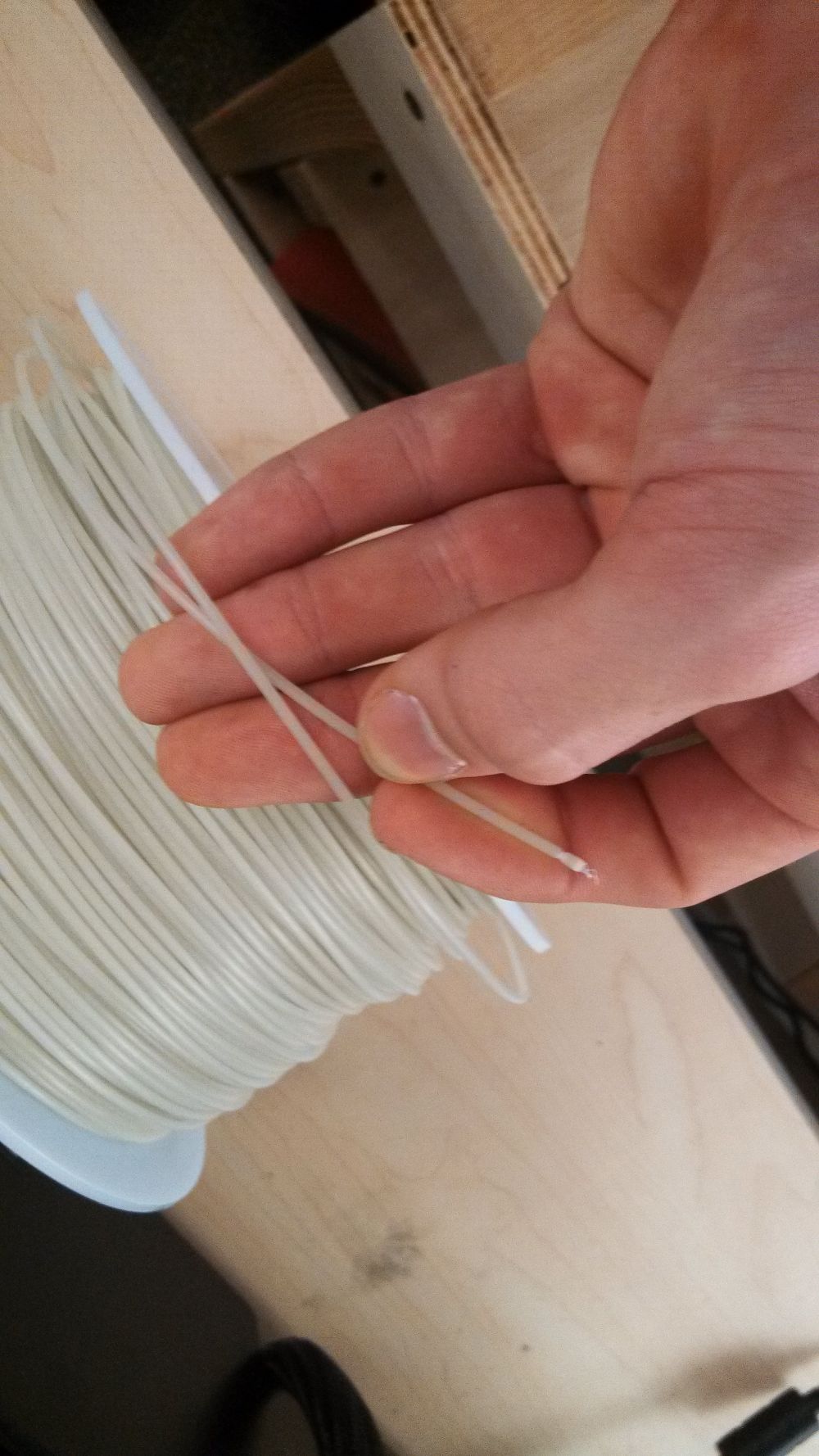
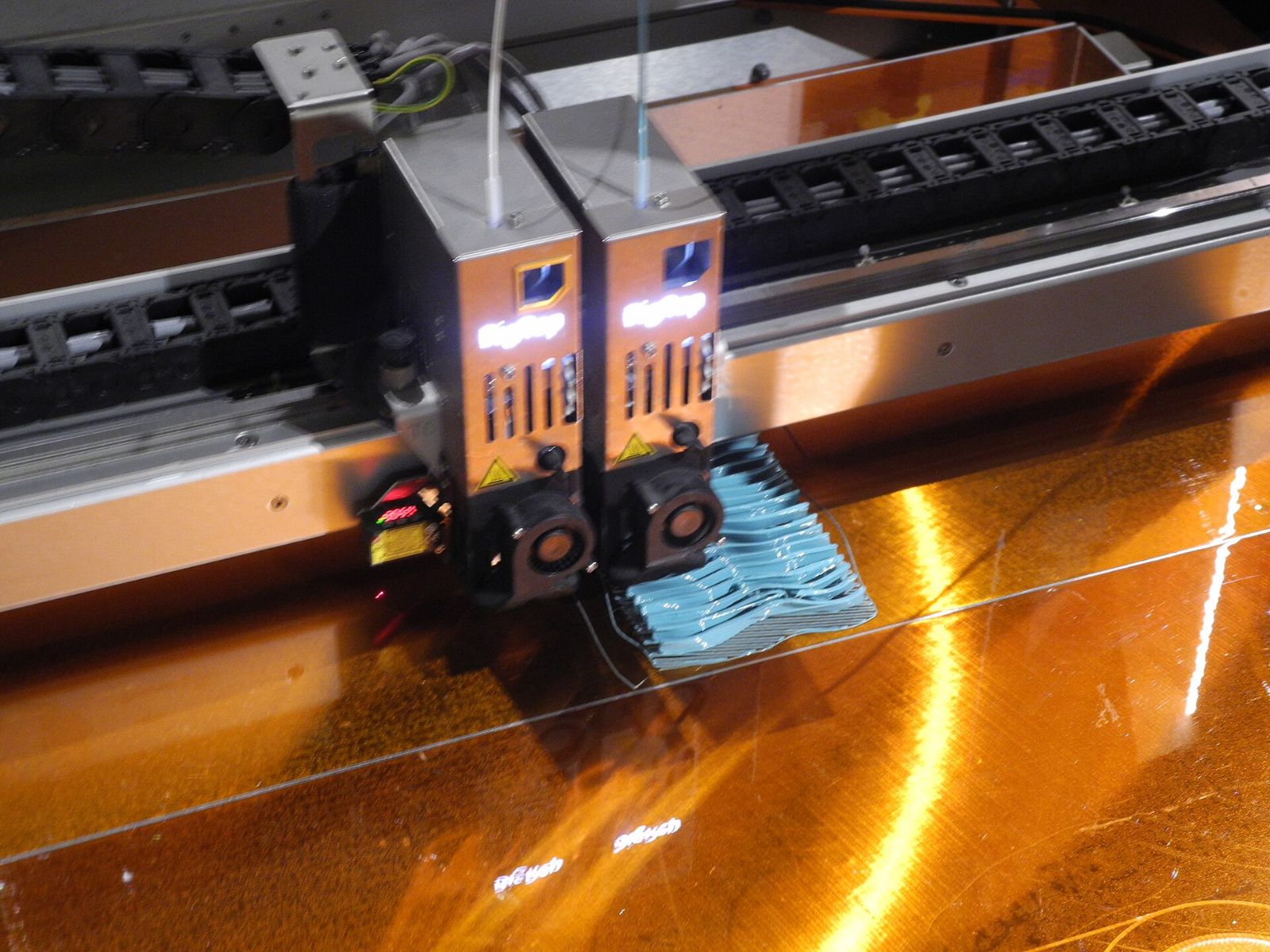
From file to parcel
Upload
We read the file and check that the mesh is closed and the walls are thick enough to print.
Price
The quote shows the material, the quantity and the price before anything is printed.
Print
Your part is printed, the supports are removed and it is checked against your file.
Ship
Packed and sent with tracking. Your quotes and orders stay in your account.
Files that print well
- Walls of 1.2 mm or more
- Thinner walls break when the supports come off. Resin holds 0.6 mm.
- Overhangs up to 45°
- Steeper faces need supports, which leave small marks where they touched.
- Holes 0.2 mm larger
- Draw a hole for a 5 mm pin at 5.2 mm and the pin goes in without a file.
- A closed mesh, in millimetres
- Export with no gaps between faces. A part drawn in inches can be switched above.
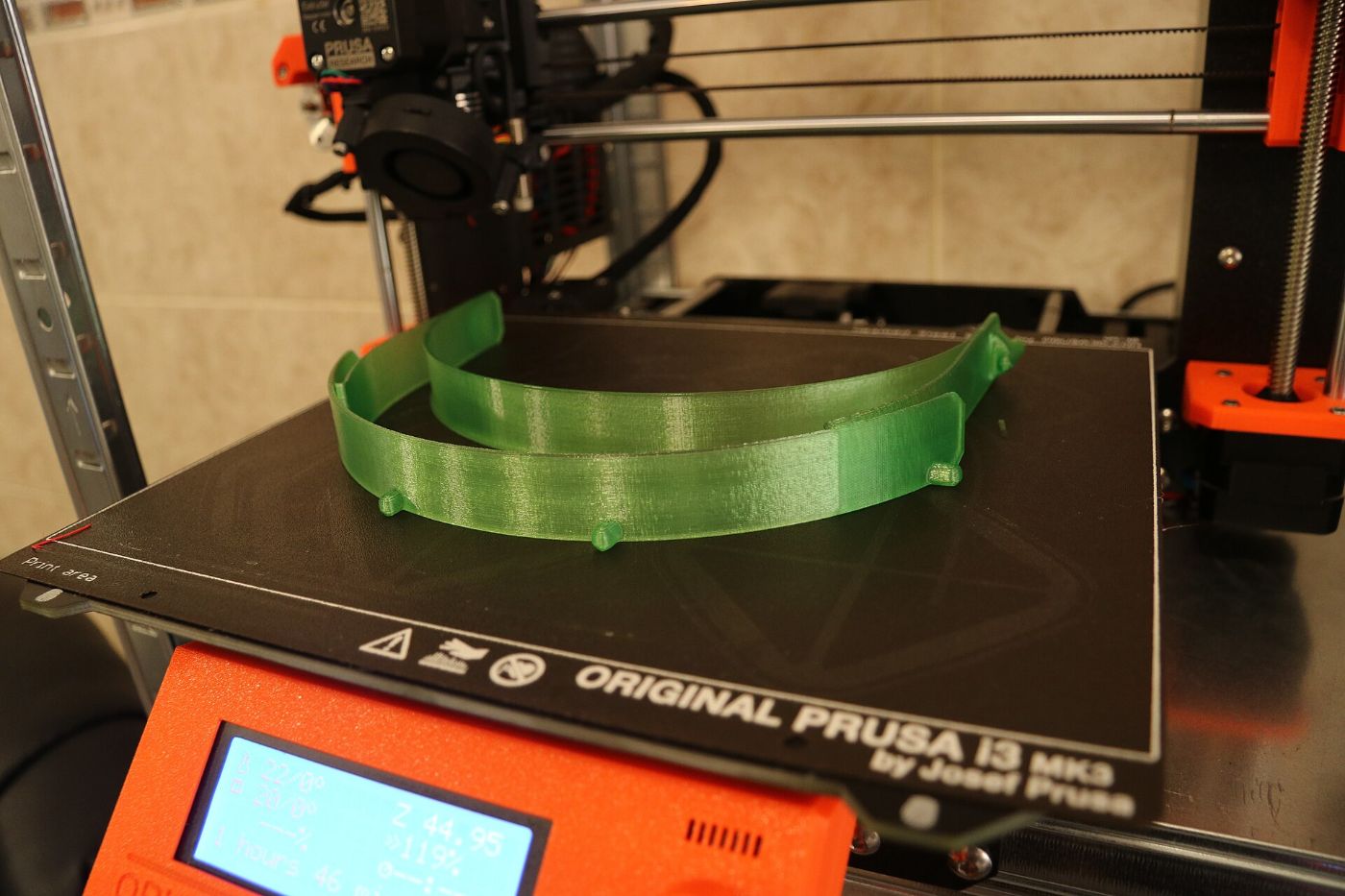
Made in layers
Before you upload
Which files can I upload?
STL, STEP and IGES files up to 50 MB. An STL shows here as soon as you drop it; STEP and IGES files are measured when you ask for the price.
My part is larger than the printer.
We can split it into pieces that are glued or bolted together after printing. Send it through the contact page and say how it will be used.
Can I choose the colour and the quantity?
Yes. Configure a print sets the material, the colour, the layer height and the number of copies, and the price follows.
Is the weight shown here what I pay for?
No. It is the weight of the part printed solid, to compare the materials. FDM parts are printed with a lighter infill, and the price comes from the quote.
What happens to my file?
It is used to price and print your order, and it stays in your account with the quote. The privacy policy says how long we keep it.
Do you check the file before printing?
Every file is checked. If a wall is too thin or the mesh has holes, we tell you before printing and suggest what to change.
Have a file ready?
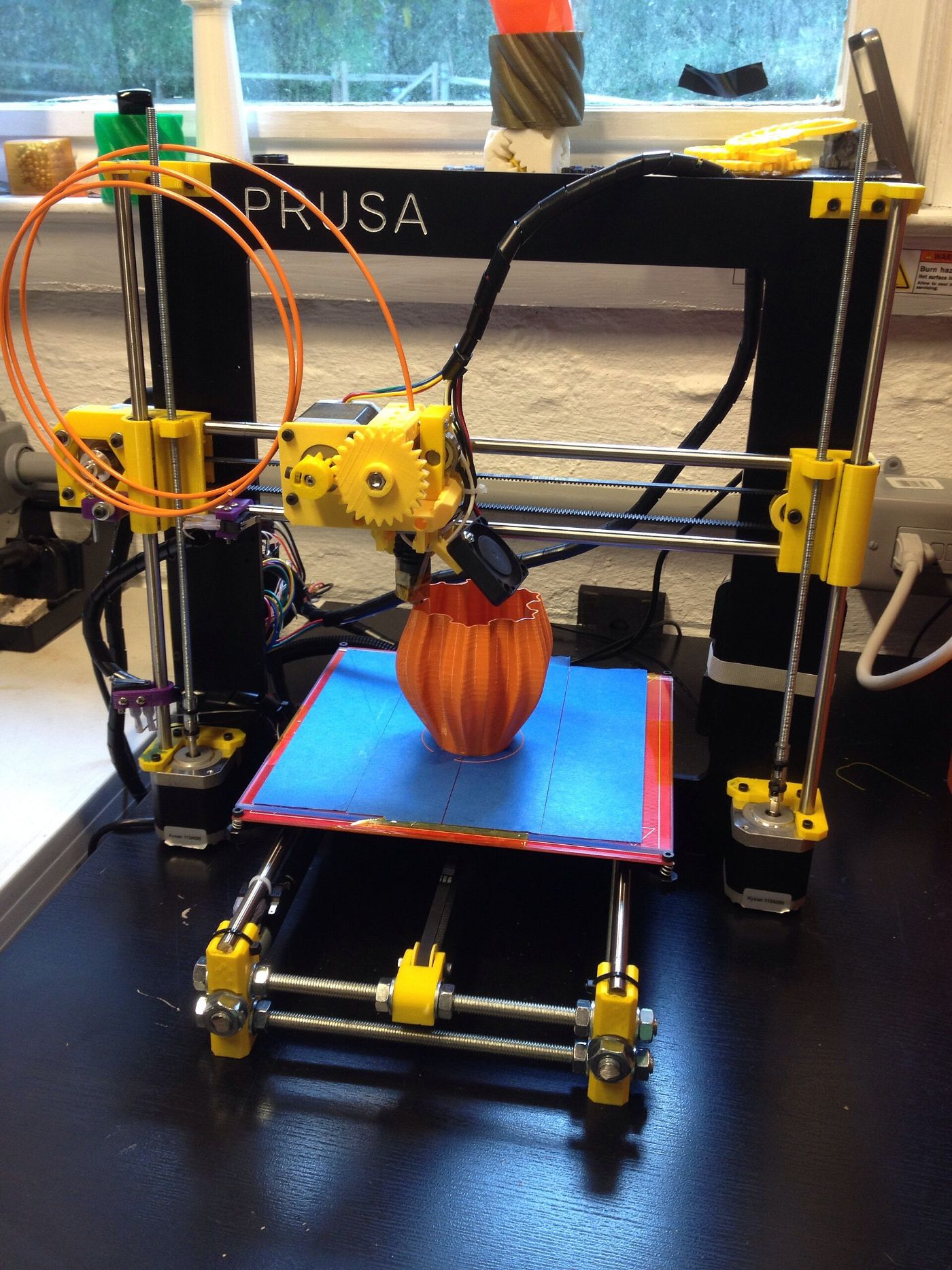
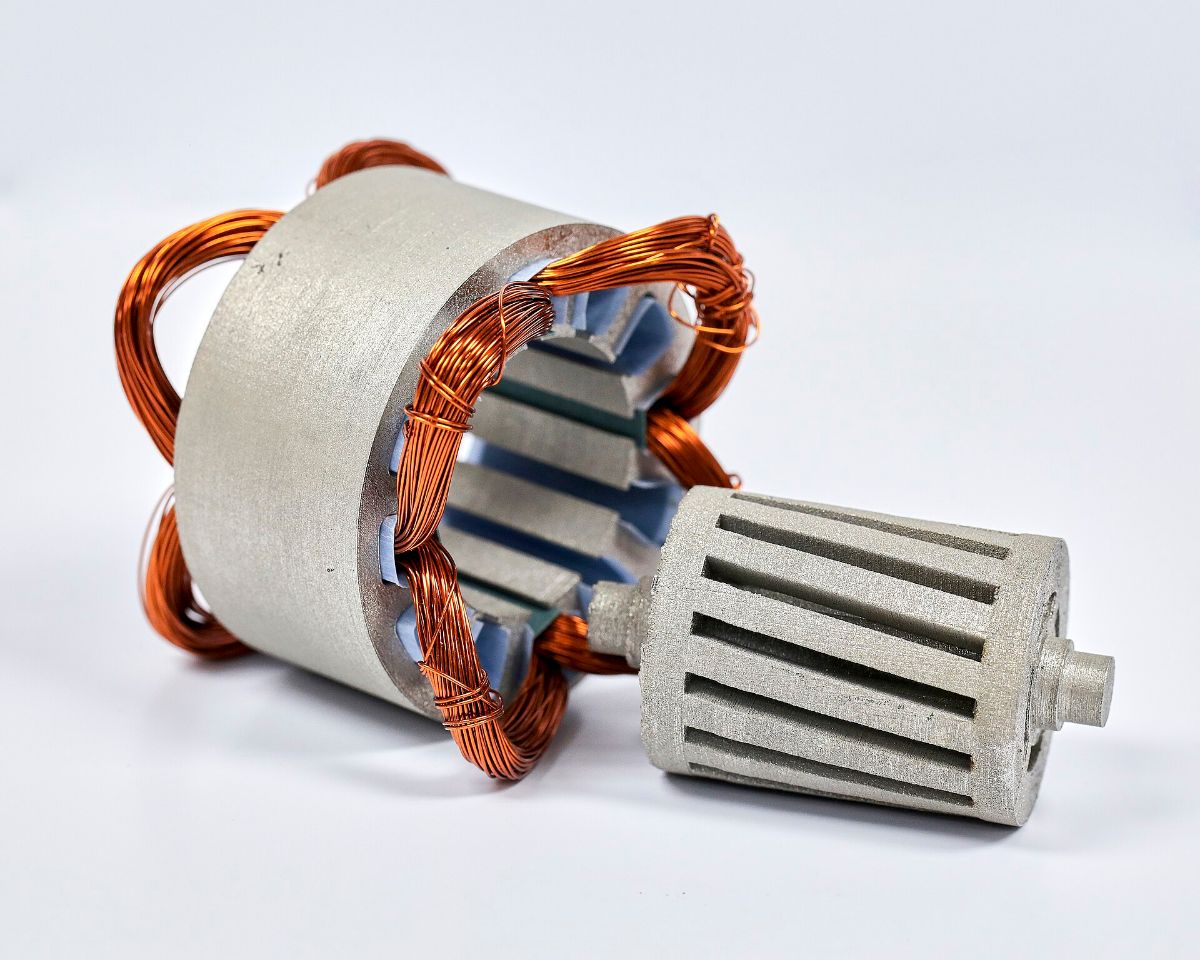
Pictures from Wikimedia Commons: Prusa i3 printing a first print, John Abella, CC BY 2.0; Crossed filament, SuperBlobMonster, CC BY-SA 3.0; 3D printer close up, John Seb Barber, CC BY 2.0; 3D printing of face shields, Jan Beránek, CC BY-SA 3.0; Prusa i3 printing, John Abella, CC BY 2.0; 3D printed motor parts, Oak Ridge National Laboratory, CC BY 2.0.